Subscription billing
Authorize a recurring billing agreement once, then use the signed authorization for future Soroban billing transactions.
Live demo: run the repository demo app and open http://localhost:3000.
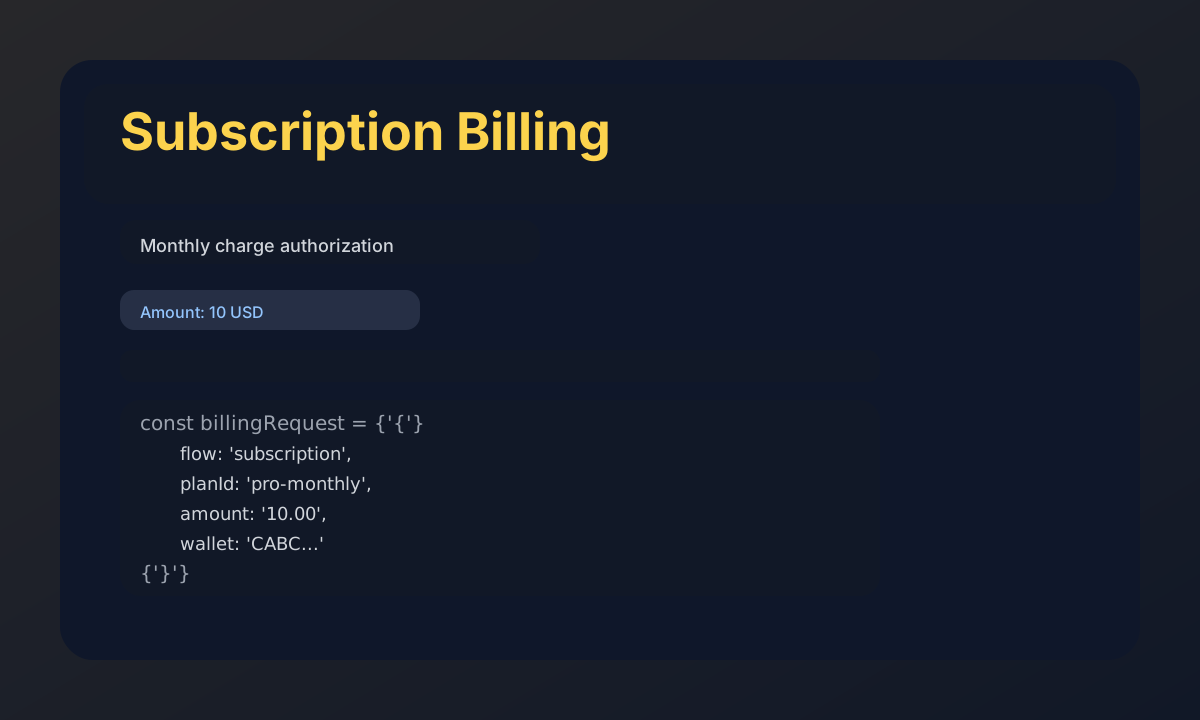
Copy-paste runnable code
import { useInvisibleWallet } from 'invisible-wallet-sdk'
import { hash as stellarHash, Networks } from '@stellar/stellar-sdk'

export default function SubscriptionBilling() {
  const { address, signAuthEntry } = useInvisibleWallet({
    factoryAddress: 'FACTORY_CONTRACT_ADDRESS',
    rpcUrl: 'https://soroban-testnet.stellar.org',
    networkPassphrase: Networks.TESTNET,
  })

  async function authorizeMonthlySubscription() {
    if (!address) {
      throw new Error('Register and deploy your wallet first.')
    }

    const billingRequest = {
      flow: 'subscription',
      planId: 'pro-monthly',
      amount: '10.00',
      currency: 'USD',
      recipient: 'GDT6...MERCHANT_ADDRESS',
      schedule: '30 days',
      wallet: address,
      timestamp: new Date().toISOString(),
    }

    const signaturePayload = stellarHash(
      new TextEncoder().encode(JSON.stringify(billingRequest)),
    )

    const authSignature = await signAuthEntry(signaturePayload)

    if (!authSignature) {
      throw new Error('Passkey authorization was cancelled.')
    }

    console.log('Passkey-approved billing auth:', authSignature)

    return authSignature
  }

  return (
    <button onClick={authorizeMonthlySubscription}>
      Authorize monthly subscription
    </button>
  )
}
How it works
- Build a 32-byte Soroban auth payload from the subscription metadata.
- Call
signAuthEntry()to prompt the user for biometric approval. - Attach the returned WebAuthn signature to your Soroban authorization entry when you submit the billing transaction.